
Nov 28, 2026
Read More >>
Quick Answer
Google Maps results can change when a customer moves across Columbia or searches for a more specific service. Compare the same search from several locations. If your business rarely appears even nearby, check whether your primary Business Profile category and listed services accurately describe the work you do.
Compare the Same Search From Two Places
Search Google Maps for “bike repair” near Five Points, then ask someone in Harbison to run the same search. A shop that appears near Five Points may be farther down the list in Harbison or missing altogether. That difference is worth investigating before you change your Google Business Profile.
Now run two searches from the same spot near Five Points: “bike repair” and “bike brake repair.” If the shops change, you have another clue. A shop may appear for general repairs and have limited visibility for a specific job.
Google’s local ranking guide names three main factors: relevance, distance, and prominence. Relevance is how closely a business matches the search. Distance is how far it is from the searcher or the place they specified. Prominence is how well known the business is. Reviews and links from other websites are among the signals Google considers.
Show the Work You Want to Be Found For

Look at what your profile says you do. If you run a bicycle shop that also repairs hydraulic brakes, check whether customers can see that service in your listing. Choose the primary category that best describes your main business. Use the service list to name specific jobs you actually handle, such as brake bleeds or brake pad replacement.
When you check a competitor that appears for a job you do, look at its category and the services it lists. That can give you something concrete to compare. Keep your own profile accurate, even when a competitor uses a category that would be a poor fit for your business.
Check Whether Distance Explains the Difference
Pick two or three places you serve, such as Rosewood, Forest Acres, and St. Andrews. Use the same wording in Google Maps each time. Record the phrase, the approximate location, the date, and whether your business appeared. If you also check regular Google results, keep those observations in a separate column.
Say you appear consistently in Rosewood, where your shop is based, and rarely show up farther away. Distance may explain that pattern. If the shop appears nearby for “bike repair” but rarely for “bike brake repair,” check whether the profile clearly lists brake work. Each pattern gives you a different place to start.
If you travel to customers, list the areas you actually serve. Adding Forest Acres to your service area tells customers you’ll go there. Google still considers distance when it chooses which businesses to show.
Ask Customers for Reviews After the Job
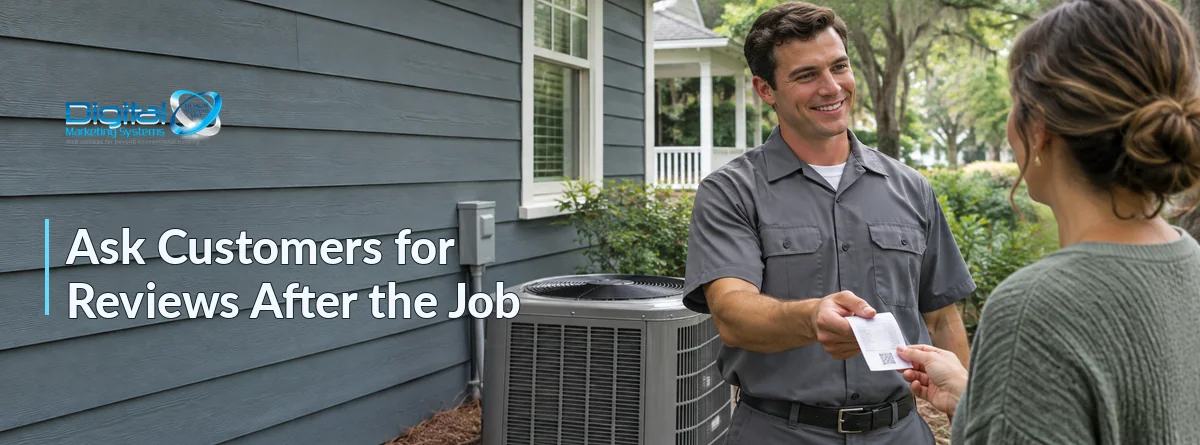
An HVAC company can include its Google review link in the email with the paid invoice. A simple request works: “If you’d like to share how the visit went, here’s our Google review link.” Give customers the same chance to respond, skip incentives, and keep job details private when replying publicly.
If the same businesses keep showing up ahead of you at nearby locations, look at their review counts and ratings alongside their categories and locations. A business with more reviews may also be closer or match the search more closely. One comparison can point you toward a question worth checking. It can’t tell you exactly why Google ranked one profile above another.
Recheck the Same Searches After a Profile Update
Save your results before making changes. Once the updated profile is live, repeat the same searches from the same areas. If you start appearing for a specific repair near the shop and still drop out farther away, record both results. That gives you a clearer picture than checking one search from your office.
If the pattern is hard to read, ask Digital Marketing Systems to review one Google Maps search. Send us the phrase customers use, your Business Profile link, and the areas where you checked it.
Frequently Asked Questions
Why do I see my business on Google Maps from my office but not from another part of Columbia?
Google considers distance when it ranks local results. Try the same search from a few locations and record where your profile appears. A business that shows up close by and drops out farther away may be seeing a normal distance pattern.
Why do I show up for a broad search but disappear when someone searches for a specific service?
A more specific search can return businesses that match the job more closely. Check that your primary category describes your main business and that the specific service is listed when you genuinely provide it.
Will adding more towns to my service area improve my Google Maps rankings there?
Your service area tells customers where you travel. Google still considers distance, so adding a town does not guarantee visibility there.
How should I check results after changing my Google Business Profile?
Record your results before the change. Once the update is live, use the same search phrases, locations, and result type to see where your visibility changed.