Oct 22, 2026
Read More >>
Watch Out for Fake Google Business Verification Calls
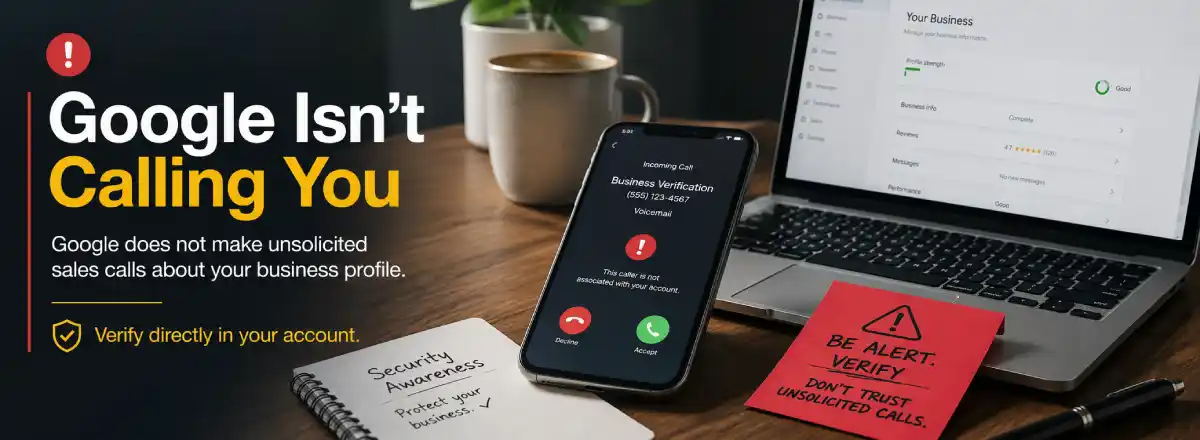
Quick Answer: Fake Google Business verification calls are scams that use urgent language to scare business owners into calling back, sharing account access, providing verification codes, or paying for services they may not need. Be careful with any call claiming your listing is “under audit,” “flagged for review,” or about to disappear. Google does not make unsolicited sales calls from an automated system.
I received a voicemail claiming to be from a “Business Verification Department.” The message said my Google Business listing was “under audit,” had been “flagged for review,” and might not stay visible unless I called back before 5 p.m.
That kind of message is meant to make a business owner react quickly. It sounds official, creates a deadline, and makes it feel like your Google visibility is at risk.That is exactly why it is dangerous.
Why Fake Google Business Calls Work
Your Google Business Profile is one of the most important online tools for local visibility. It can help customers find your company on Google Search and Google Maps, read reviews, check hours, view photos, call your business, and visit your website.
Scammers know that many business owners are busy and may not have time to verify every message. So they use pressure instead of proof.Common scare tactics include saying your listing is about to be removed, your business will no longer be viewable, your profile has been flagged, or your verification is about to expire. The goal is to make you call back before you think it through.
Common Phrases Employed in Fake Google Business Verification Calls
These calls often use official-sounding lines like:
- “Your Google listing is under audit.”
- “Your business has been marked for review.”
- “Your listing may not be viewable to customers.”
- “Call us before we close today.”
- “Your Google Business Profile needs immediate verification.”
- “Press one to keep your listing active.”
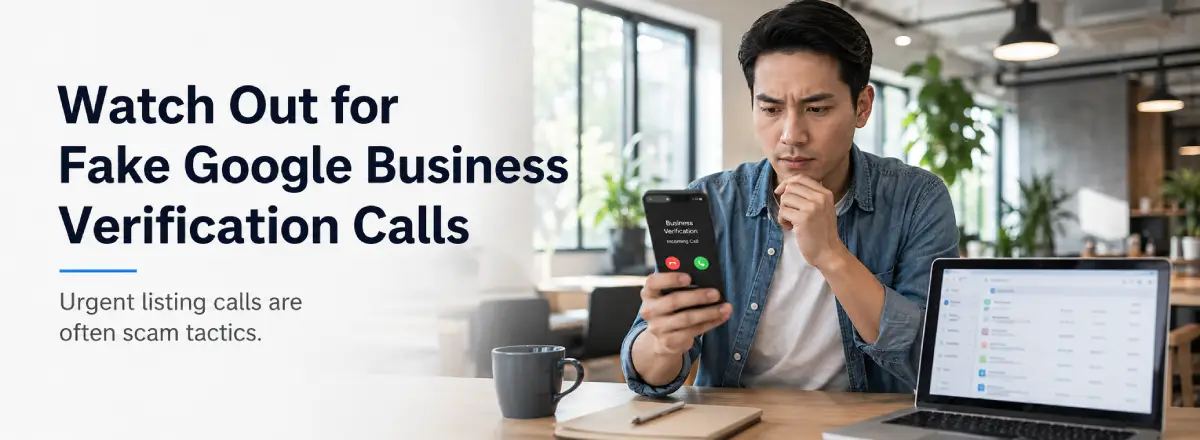 The wording may change, but the pattern is usually the same: the caller creates urgency, claims authority, and pushes the business owner into a quick response.
What the Caller May Be Trying to Do
Once a business owner calls back, the person on the other end may try to sell fake services, collect payment, gain access to the account, or obtain information that should never be shared over the phone.A scam caller may try to:
- Sell unnecessary Google Business Profile services.
- Charge for something that does not require payment.
- Collect personal or business information.
- Gain access to your Google account.
- Ask you to share a verification code.
- Pressure you into a marketing contract.
- Make it sound like they work directly for Google.
What Business Owners Should Do Instead
If you receive a suspicious Google Business verification call, the safest response is simple:
Do not call the number back. Do not press a number to be connected. Do not give anyone access to your Google account. Do not share verification codes. Do not provide payment information. Do not make listing changes while someone is pressuring you on the phone. Instead, log in directly to your Google Business Profile from your own browser or Google account. If there is a real issue, you should be able to review it there without relying on a stranger’s phone call. If you are unsure what you are seeing, contact someone you know and trust for help with SEO and Google Business Profile.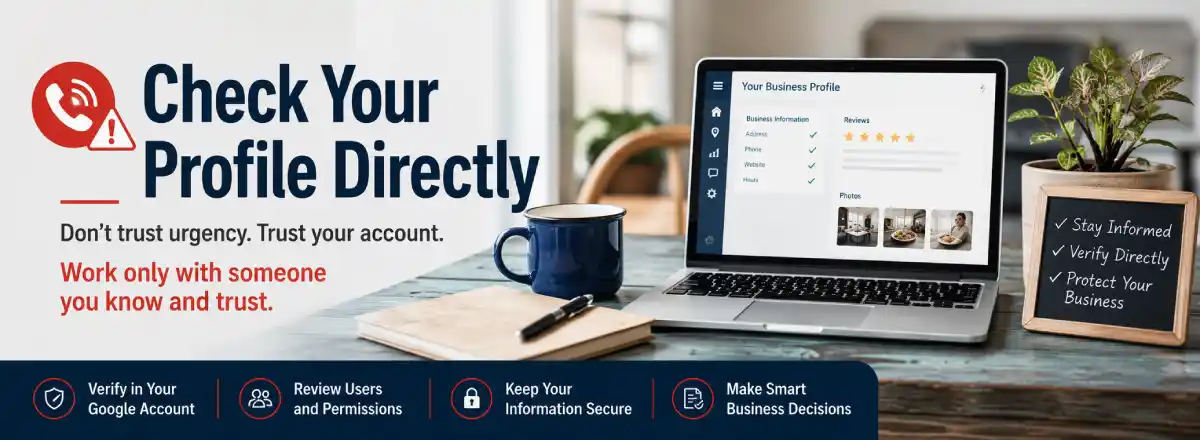
A Real Google Business Profile Issue Should Not Start With Panic
Real listing problems can happen. A business may need to deal with a verification issue, ownership problem, duplicate listing, suspension notice, incorrect hours, wrong phone number, or outdated website link.
Those issues should be handled inside the actual account, not through a mystery caller demanding action before a deadline. Good local digital marketing is based on access, accuracy, trust, and documentation. Scam calls rely on fear, confusion, and haste.How to Protect Your Google Business Profile
Your Google Business Profile should be protected like any other important business asset. A few simple habits can help reduce risk.
- Use a secure Google account for your business profile.
- Turn on two-step verification when possible.
- Limit profile access to people you trust.
- Review account users and permissions regularly.
- Keep your business name, address, phone number, hours, and website accurate.
- Check your profile directly instead of trusting phone warnings.
- Be careful with companies that promise guaranteed Google placement.
If your website, SEO, or business listing information needs cleanup, Digital Marketing Systems can help with website design, search engine optimization, and local online visibility support.
Local Business Owners Should Warn Each Other
These fake Google Business verification calls are not just annoying. They can cost a business money, create account problems, or put online visibility at risk.
If you get a voicemail like this, take a breath before responding. Do not let the caller’s deadline become your emergency. Check your account directly, talk to someone you trust, and avoid giving scammers the reaction they want. If you are unsure whether a Google Business Profile warning is real, contact Digital Marketing Systems now. We can help you review the situation before you make a decision that affects your online presence. Please share this warning with other local business owners now. These calls are getting more common, and a simple heads-up could help someone avoid a costly mistake.Helpful Sources
For more information, review Google’s own guidance about fraudulent calls and the FTC’s advice about phone scams targeting businesses: